
HopToDesk Blog
Product news, guides, and ideas for remote access and IT teams.
- Guides
- Remote support
- IT teams
- Product updates
- Security
- Dashboard
- Windows
- Cross-platform
- Deployment
- Unattended

Send Files to a Remote Computer with a Right-Click
Right-click a file in Windows and send it straight to the computer you are connected to, or back the other way. HopToDesk 1.46.80 also has a new File Transfer window with two clear sides and one Transfer button.

Tamper Protection: Keep Your Support App Installed on Every PC You Manage
A remote support app only helps if it is still there when the call comes in. Tamper protection, a new option for custom Windows builds, means that uninstalling the app or stopping its service needs an uninstall code from your dashboard, and every wrong code is recorded.

Silent Deployment: Put HopToDesk on Every Machine Without Touching One
Rolling out remote support to fifty or five hundred Windows machines should not mean fifty or five hundred visits. The Onboard a fleet wizard gives you one token and a ready-made install command for Intune, Group Policy, your RMM or a script. Every machine installs silently, links itself to your dashboard, and arrives already configured.

HopToDesk for FreeBSD: A Real Client, Not a Workaround
Most remote desktop downloads stop at Windows, macOS and Linux. HopToDesk runs on FreeBSD too, on both amd64 and ARM, from the same app and the same network as every other platform. This release completes the picture with the connection window: the accept prompt, in-session chat, a disconnect control, and file transfer that runs through it.

A Frame Rate Setting for Smoother Remote Sessions
How a remote session feels comes down to how often the picture refreshes. The desktop viewer now has a Frame rate setting in the Display menu, with a slider from 5 to 120 frames per second, saved per machine. Raise it for motion work, lower it on a thin connection.
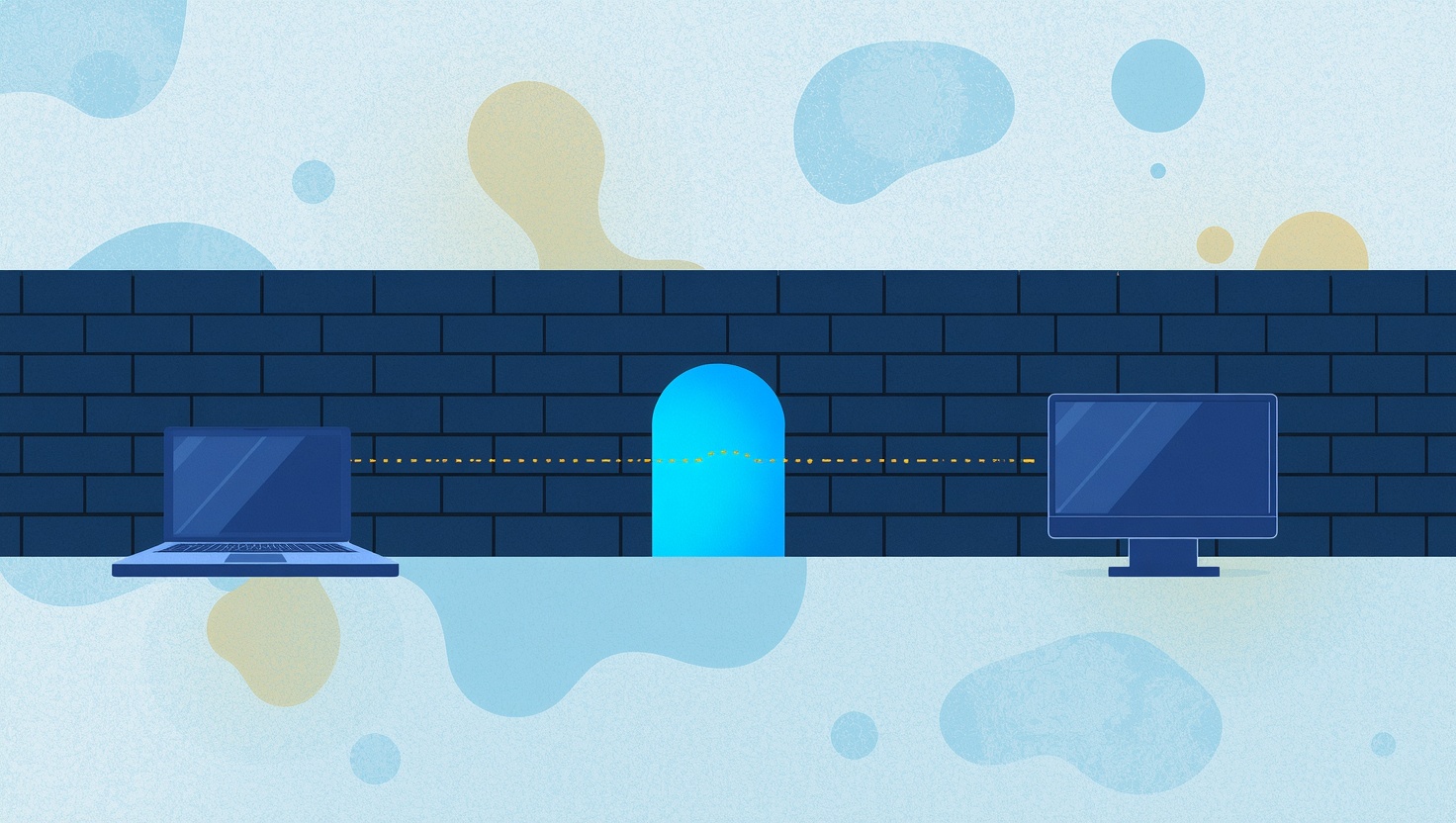
Firewall Mode: Remote Support on Networks That Block Almost Everything
Hotels, hospitals, schools, banks and many offices lock their networks down to plain web traffic, and that used to stop remote desktop cold. HopToDesk Firewall Mode gets a session through on port 443 alone, with no ports for IT to open and no change to how you connect.

Post-Quantum Encryption Comes to HopToDesk
A remote session recorded today can be stored for years and opened later, once a quantum computer exists to break the key exchange. HopToDesk now closes that window: every session between current clients is protected by a hybrid handshake that combines classical X25519 with ML-KEM-768, the post-quantum standard. It is automatic, and there is nothing to configure.
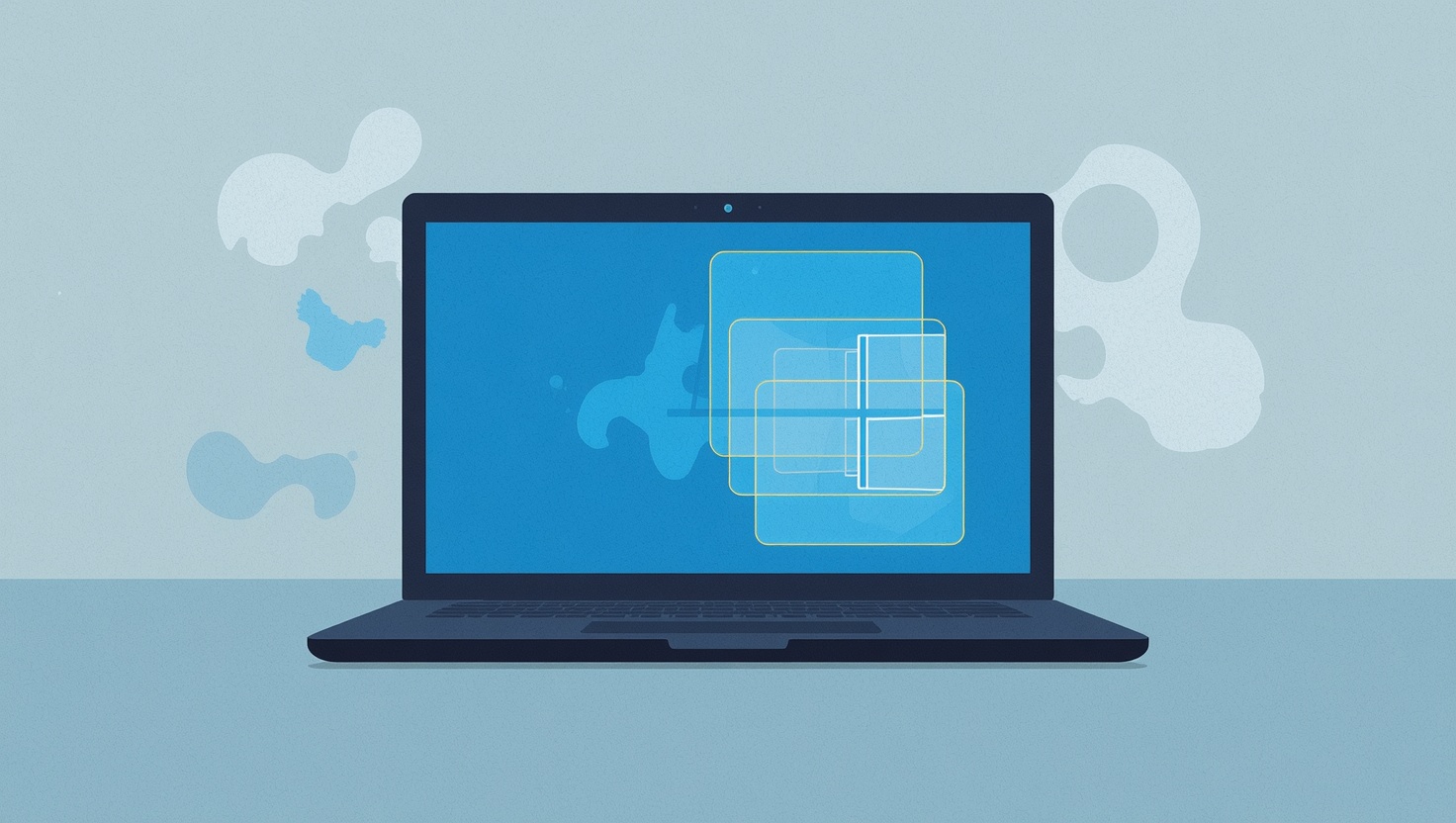
HopToDesk Now Fully Supports Wayland on Linux
Modern Linux desktops run Wayland, and for years the remote desktop answer was the same everywhere: switch back to X11. Not anymore. HopToDesk now fully supports Wayland on Linux, with sharp multi-monitor capture, correct typing in any keyboard layout, and an optional unattended mode that works with no consent popup, even at the login screen.

Switching from TeamViewer or AnyDesk in an Afternoon
The hardest part of leaving a remote desktop product is not the software, it is the list. Hundreds of machines, organized over years, that somebody has to move by hand. The HopToDesk migration import takes the device list you already have, rebuilds your groups, hands you enrollment links, and checks off every machine as it comes across.
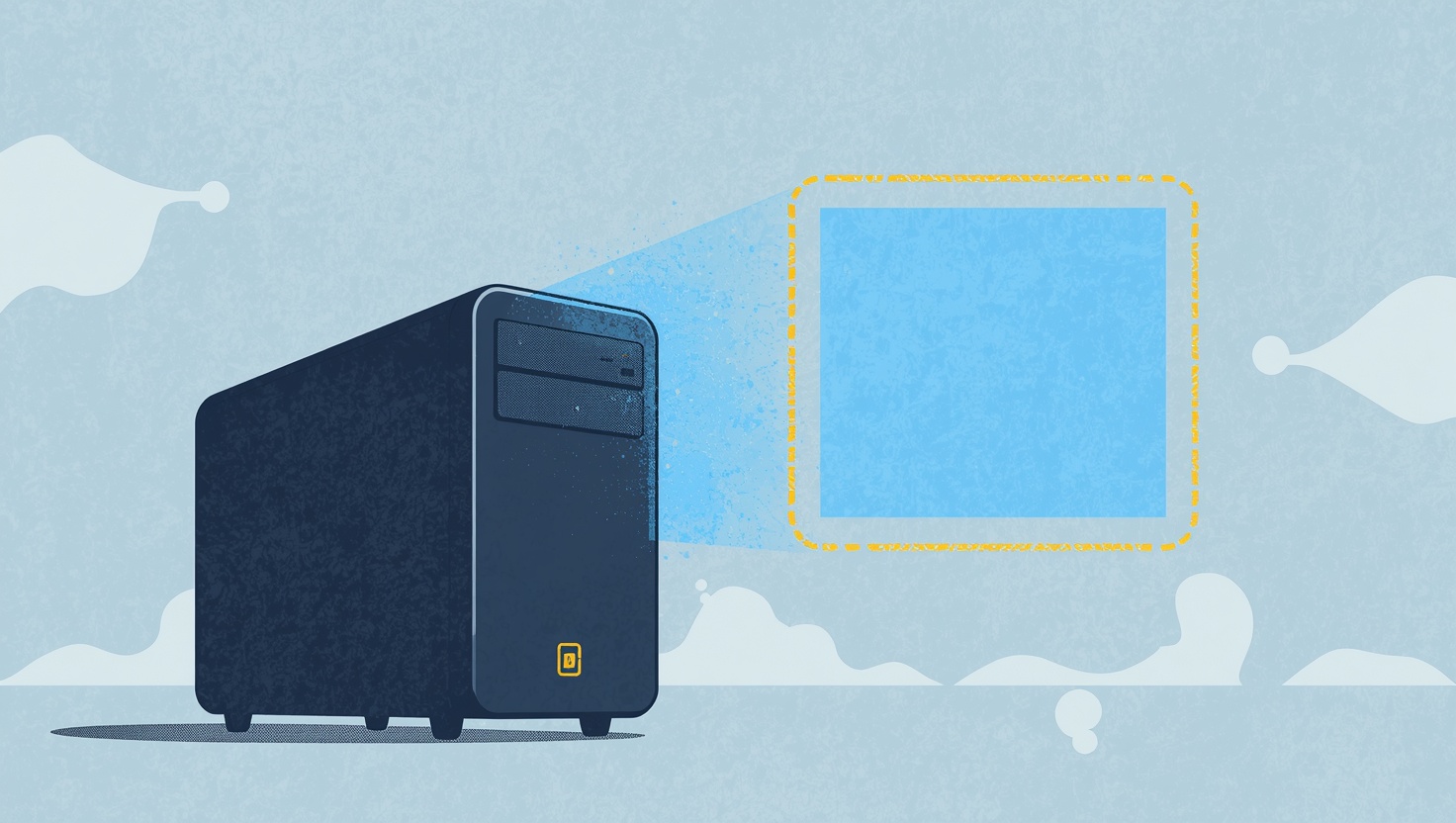
No Monitor, No Problem: Remote Access to Headless Windows Machines
Connect to a Windows machine that has no monitor attached and you used to get a black nothing, because Windows shuts down its desktop when no display is present. HopToDesk now ships its own virtual display driver, so headless PCs, servers, and kiosks light up the moment you connect, with no dummy plug and no third-party software.

Session Recording That Stays on Your Machines
HopToDesk can now record remote sessions automatically and catalog every recording in your dashboard, with one rule at the center of the design: the video never leaves your machine. You get search, filters, retention, and fleet-wide enforcement, and we never hold a single frame of your sessions.

Controlling an Android tablet or phone unattended with HopToDesk
Three things trip people up when they remote into an Android device: touch control has to be turned on first, Android sleeps or locks the screen out from under you, and the screen-capture prompt comes back after every reboot. Here is the full setup that fixes all three, so you can connect to a tablet or phone any time without anyone touching it.

Remote Terminal: A Command Line to Any Machine
Sometimes the fastest fix does not need a desktop at all. HopToDesk Remote Terminal opens a live command line on the remote machine, PowerShell on Windows or your shell on Mac and Linux, in a lightweight window that uses a sliver of the bandwidth of a screen session. Type on your keyboard, run on their machine.

Automate Your IT Work: Fan-Out, Runbooks and the AI Assistant
Most IT work is the same few checks and fixes, over and over. The HopToDesk Dashboard lets you run them on many machines at once, put them on a schedule, decide which ones need a person's approval, and ask the AI Assistant to investigate the problems that do not fit a script.
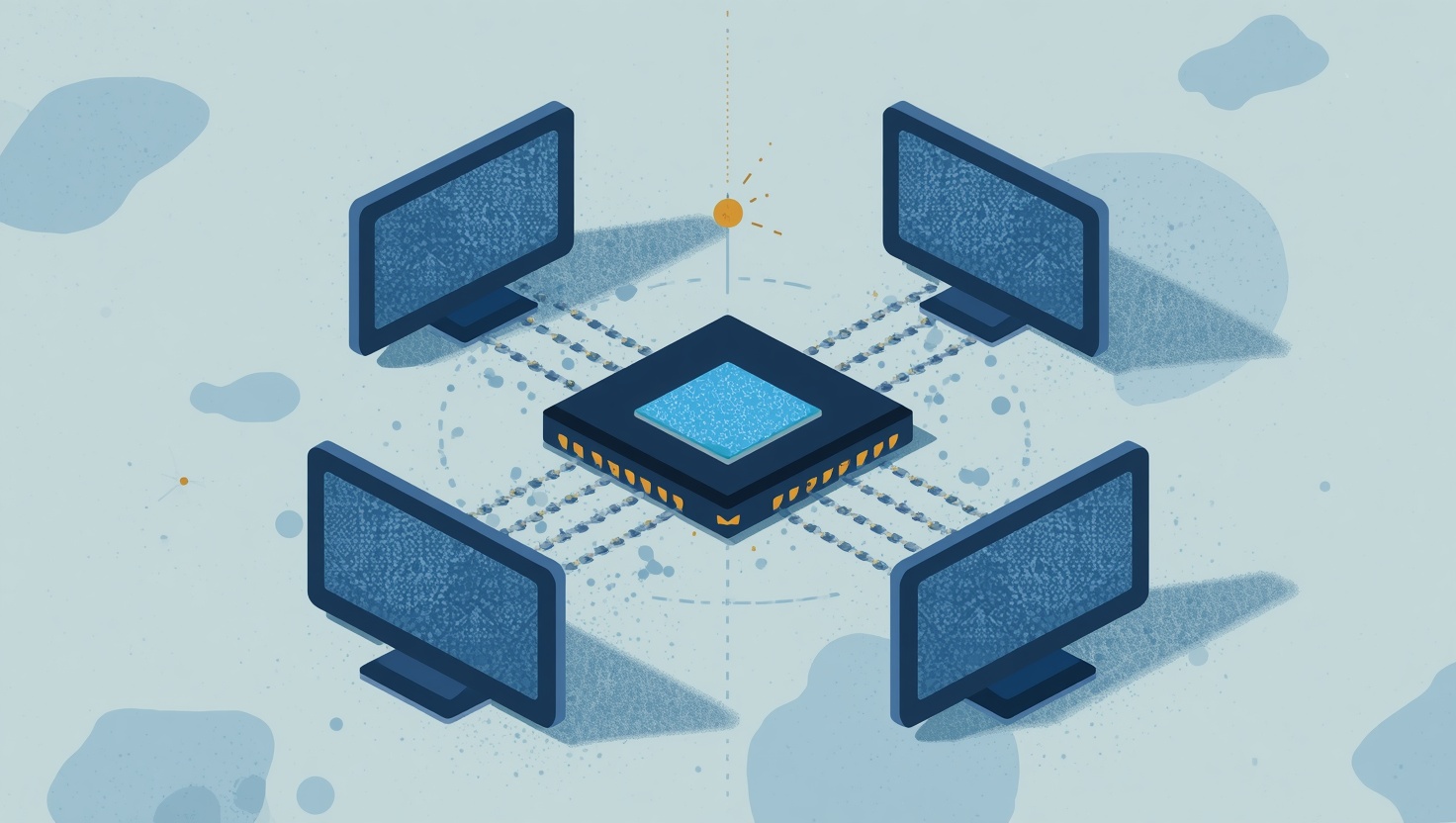
HopToDesk and MCP: The First Remote Desktop App with AI Agent Support on Windows, Mac, and Linux
Remote desktop software has looked more or less the same for twenty years. You connect to a machine, you see the screen, you move the mouse, you type on the keyboard. The tools got faster and the encr
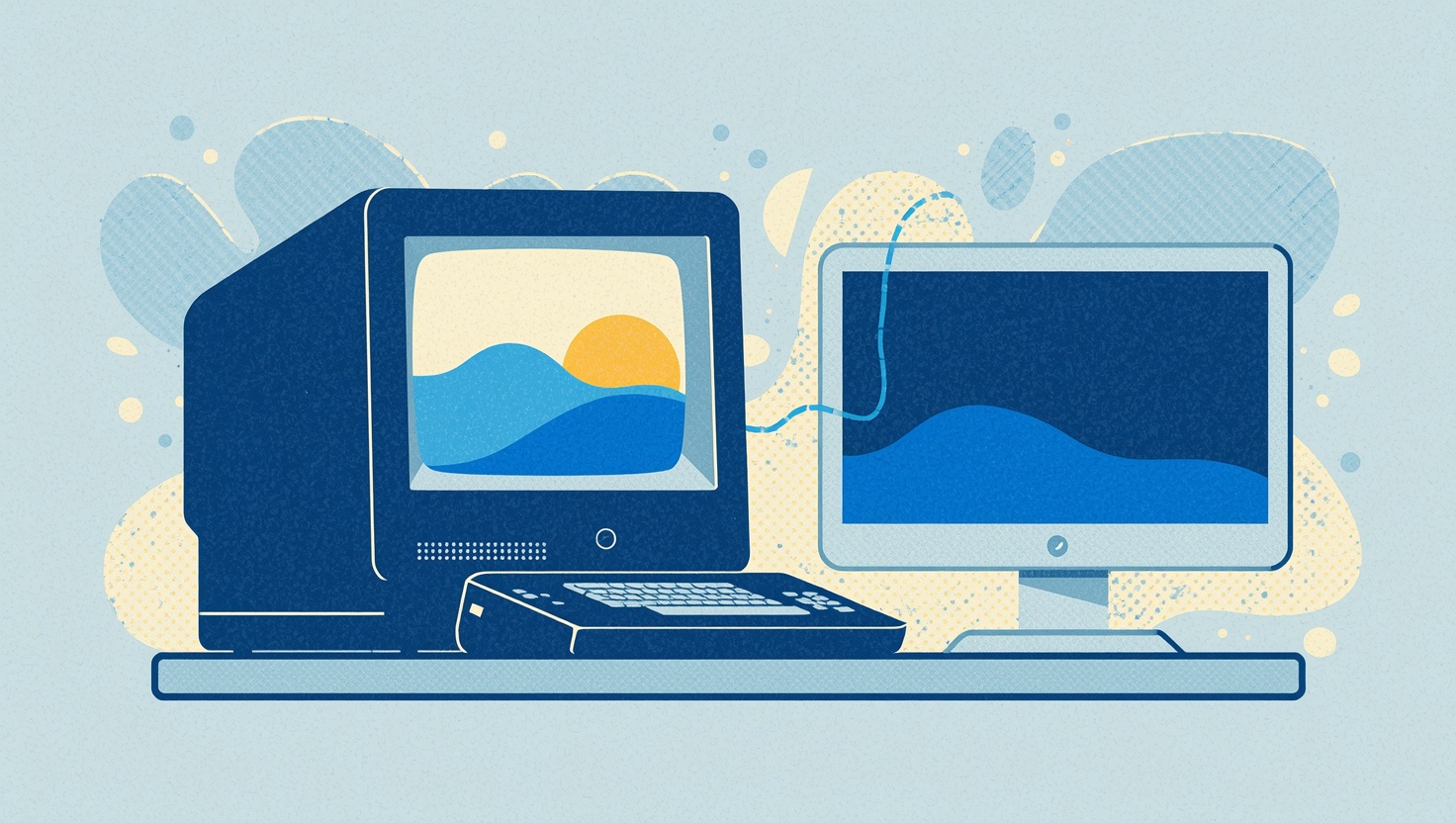
HopToDesk for Windows XP: Free Remote Desktop for the Machines That Still Matter
Windows XP ended official support over a decade ago, but millions of machines still run it. Factory floors, medical clinics, point-of-sale terminals, CNC equipment, and specialized lab instruments all

Introducing the HopToDesk Dashboard: All Your Devices in One Place
When you're managing a handful of remote devices, keeping track of things in your head works fine. But once you're supporting a team, a business, a family, or a growing list of clients, you need a cen
Privacy Mode: Keep Prying Eyes Away During Remote Sessions
When a technician connects to a computer for remote support, everything they do is visible on the remote computer's physical screen. Anyone walking by can watch the mouse move, see files being opened,

HopToDesk Quick Support: Remote Help Without the Setup
We've all been there. Someone calls you for help with their computer, and before you can even look at the problem, you have to walk them through downloading software, finding their ID, reading out a p

HopToDesk Invite: The Easiest Way to Start a Remote Session
Setting up a remote desktop connection usually means the person needing help has to find their ID, read out a password, and hope they don't misread a character. For someone who isn't tech-savvy, that

HopToDesk: Top Security Features That Start with 2FA
Security is non-negotiable in remote desktop software, and HopToDesk delivers with a robust lineup starting with Two-Factor Authentication (2FA). This feature anchors a suite of tools designed to keep your connections safe. Here’s a look at how 2FA l...

Your Own HopToDesk Private Network with Cloudflare Workers
Leverage the simplicity, reliability, and global availability of Cloudflare Workers to run your own HopToDesk network. HopToDesk now offers an exciting new way for users to create and manage a self-hosted HopToDesk environment using Cloudflare Worker...

The HopToDesk Dashboard: A Simple Solution for Remote Device Management
The HopToDesk dashboard has arrived and is now accessible for all users, for free. It streamlines the process of overseeing your remote devices, facilitating the creation of invite links to seamlessly integrate new devices into your team, and allowin...

How to Protect Yourself from Remote Access Scams
Remote access software has gained popularity among businesses and individuals as a convenient way to access devices and systems remotely. However, it's crucial to be aware of scammers who exploit this software for malicious purposes. This article dis...

Remote Desktop Software for Freelancers: Improving Collaboration
Freelancers use remote desktop in two directions: working on a client's computer, and showing a client work on their own. Each needs its own habits. Here is how to do both without leaving access behind or losing track of what was done.

Maximizing Productivity with Remote Desktop Software
Remote desktop saves the most time in small, everyday ways: reaching your own computers without carrying them, moving files without email, and doing heavy work on a powerful machine from a light one. These are the uses that pay off most, and the settings that make them work well.
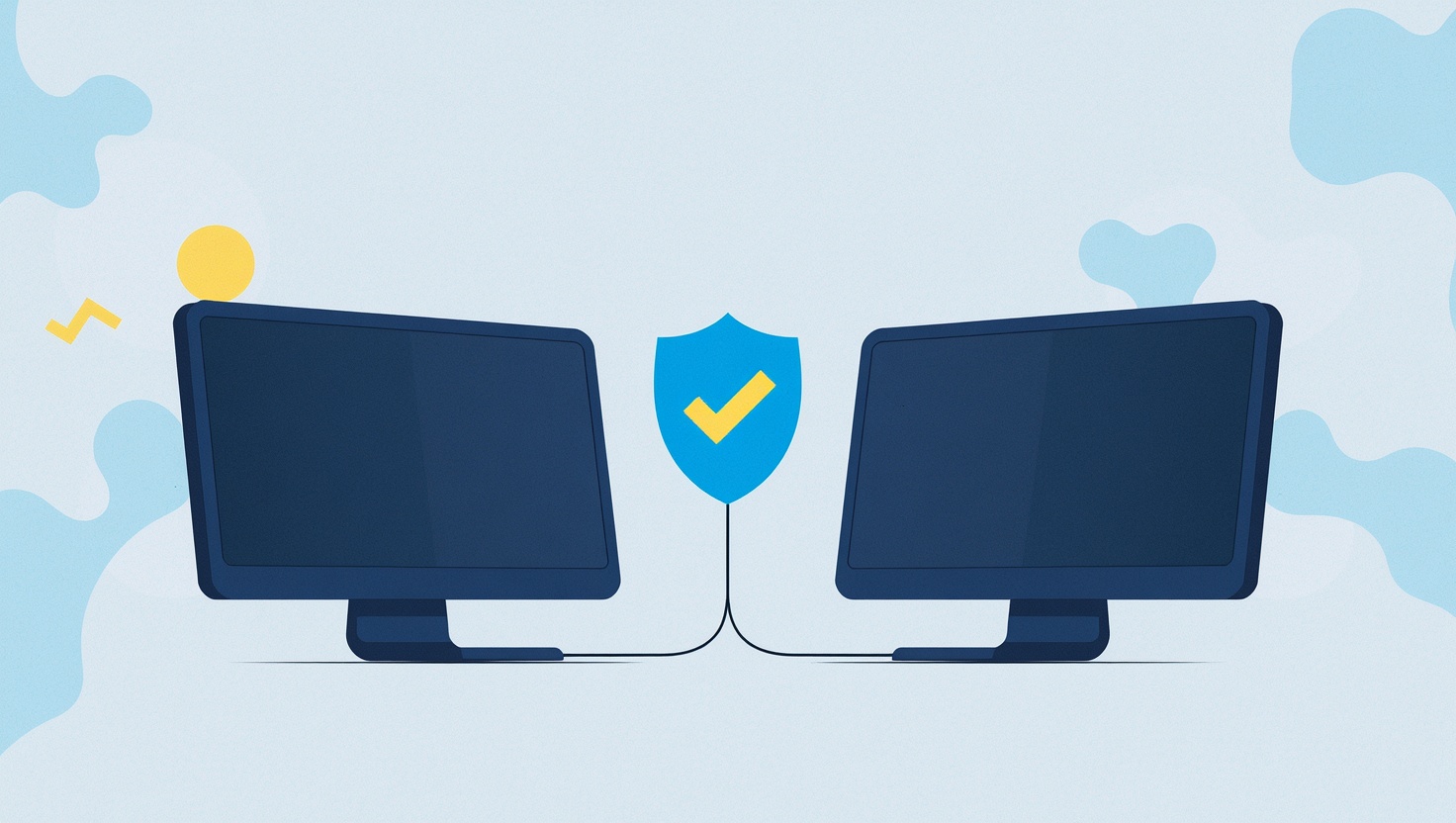
A More Secure Remote Desktop Solution with HopToDesk
Online privacy and security should always be a top priority, especially when it involves sensitive information. Last week, Global Encryption Day reminded us to think more about security. Many remote desktop apps support some kind of encryption to pr...

IT Solutions for Working from Home
Home workers sit behind home routers, far from the IT desk, on laptops nobody can walk over to. What makes supporting them fast: the software on the machine before it is needed, connections that work through any home network, and controls that keep the person at the keyboard in charge.
Introducing HopToDesk, a Free and Simple Remote Desktop App
The worldwide number of devices is in the tens of billions and continuously growing, as is the need to connect them with people, whether they may be across the room or in another country. From accessing a work computer from home, providing remote ass...