
Remote support
Articles from the HopToDesk Blog.

A Frame Rate Setting for Smoother Remote Sessions
How a remote session feels comes down to how often the picture refreshes. The desktop viewer now has a Frame rate setting in the Display menu, with a slider from 5 to 120 frames per second, saved per machine. Raise it for motion work, lower it on a thin connection.
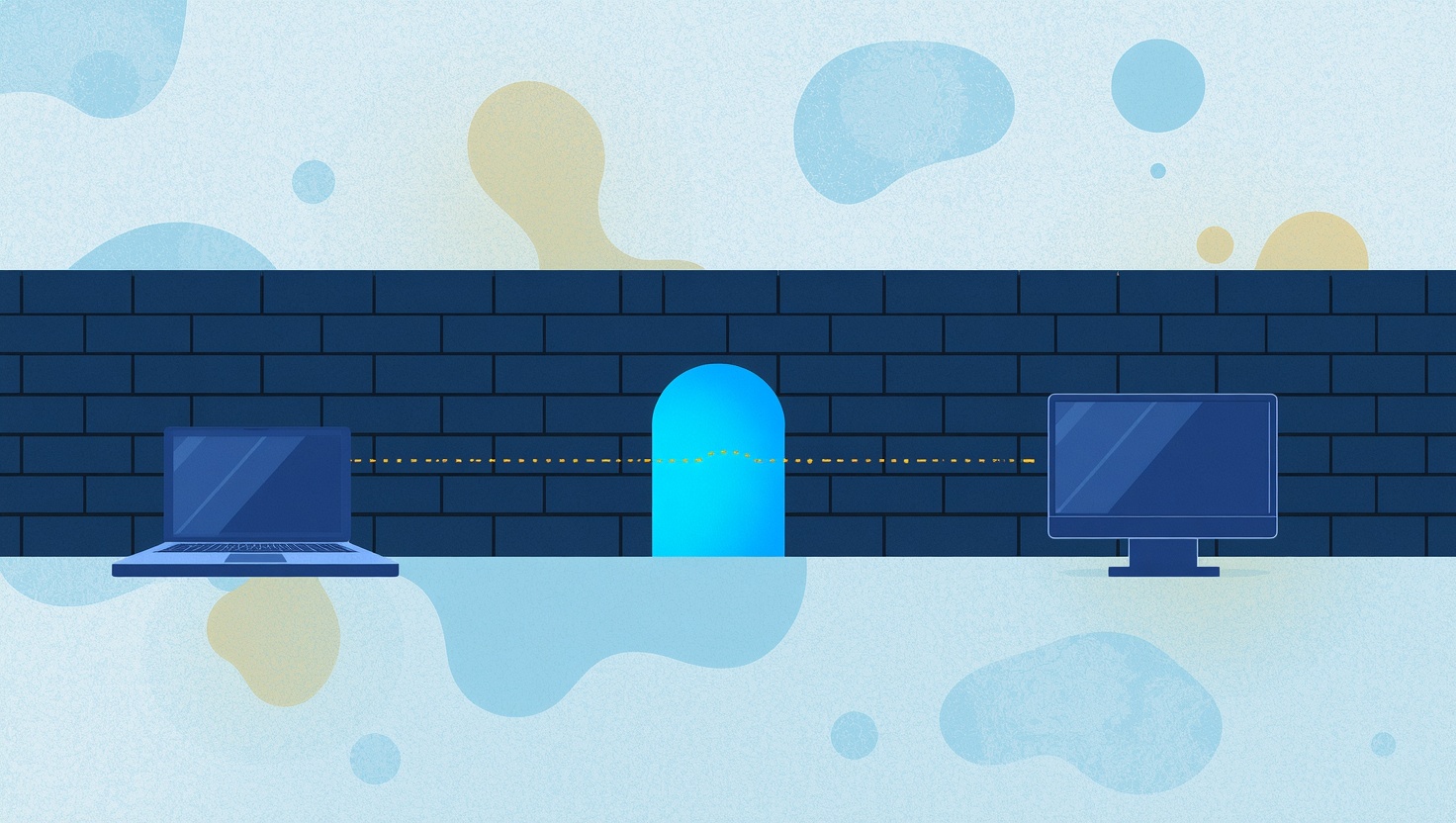
Firewall Mode: Remote Support on Networks That Block Almost Everything
Hotels, hospitals, schools, banks and many offices lock their networks down to plain web traffic, and that used to stop remote desktop cold. HopToDesk Firewall Mode gets a session through on port 443 alone, with no ports for IT to open and no change to how you connect.

Privacy Mode: Keep Prying Eyes Away During Remote Sessions
When a technician connects to a computer for remote support, everything they do is visible on the remote computer's physical screen. Anyone walking by can watch the mouse move, see files being opened,
HopToDesk Quick Support: Remote Help Without the Setup
We've all been there. Someone calls you for help with their computer, and before you can even look at the problem, you have to walk them through downloading software, finding their ID, reading out a p

HopToDesk Invite: The Easiest Way to Start a Remote Session
Setting up a remote desktop connection usually means the person needing help has to find their ID, read out a password, and hope they don't misread a character. For someone who isn't tech-savvy, that

How to Protect Yourself from Remote Access Scams
Remote access software has gained popularity among businesses and individuals as a convenient way to access devices and systems remotely. However, it's crucial to be aware of scammers who exploit this software for malicious purposes. This article dis...

Remote Desktop Software for Freelancers: Improving Collaboration
Freelancers use remote desktop in two directions: working on a client's computer, and showing a client work on their own. Each needs its own habits. Here is how to do both without leaving access behind or losing track of what was done.

Maximizing Productivity with Remote Desktop Software
Remote desktop saves the most time in small, everyday ways: reaching your own computers without carrying them, moving files without email, and doing heavy work on a powerful machine from a light one. These are the uses that pay off most, and the settings that make them work well.
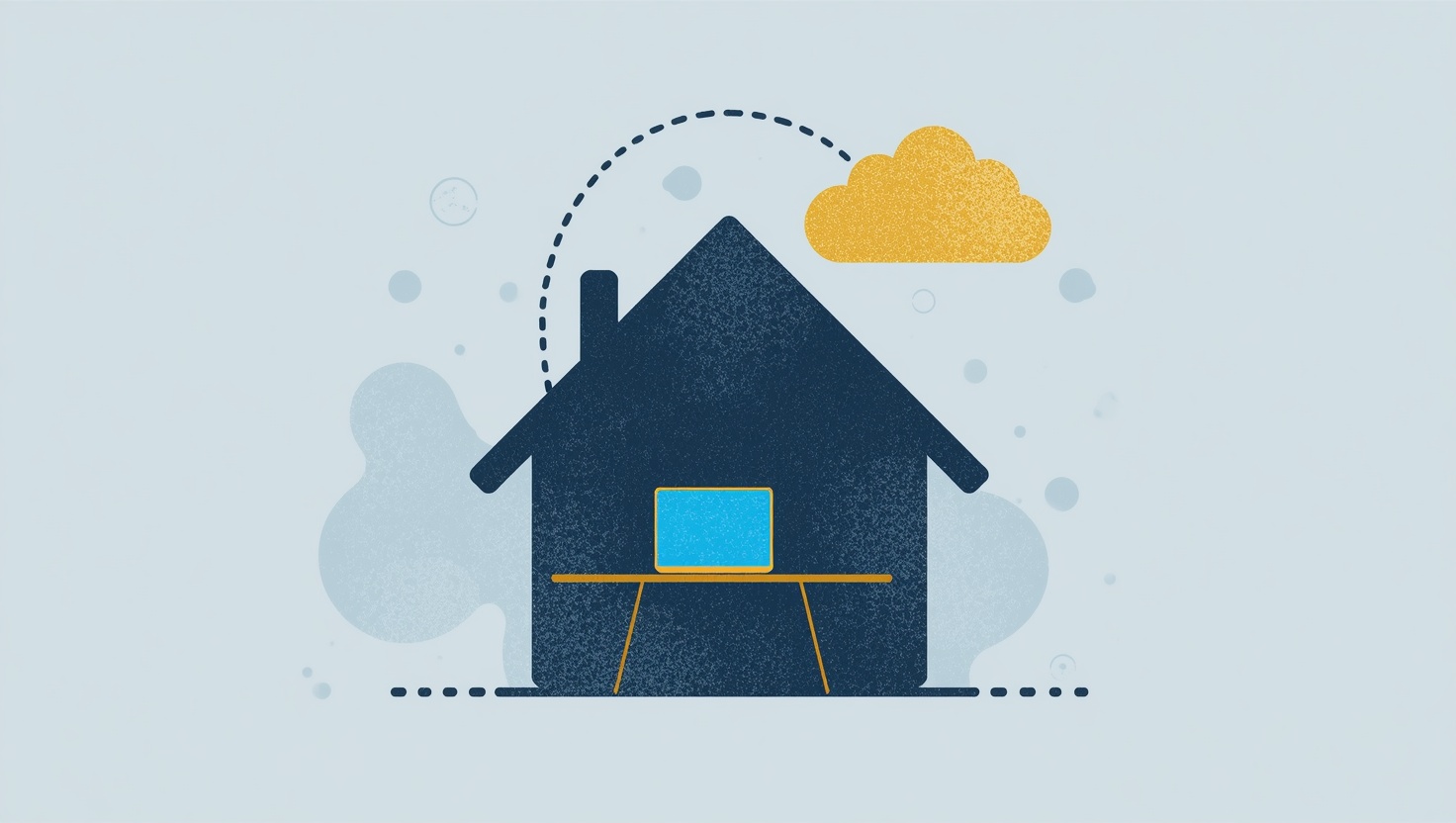
IT Solutions for Working from Home
Home workers sit behind home routers, far from the IT desk, on laptops nobody can walk over to. What makes supporting them fast: the software on the machine before it is needed, connections that work through any home network, and controls that keep the person at the keyboard in charge.
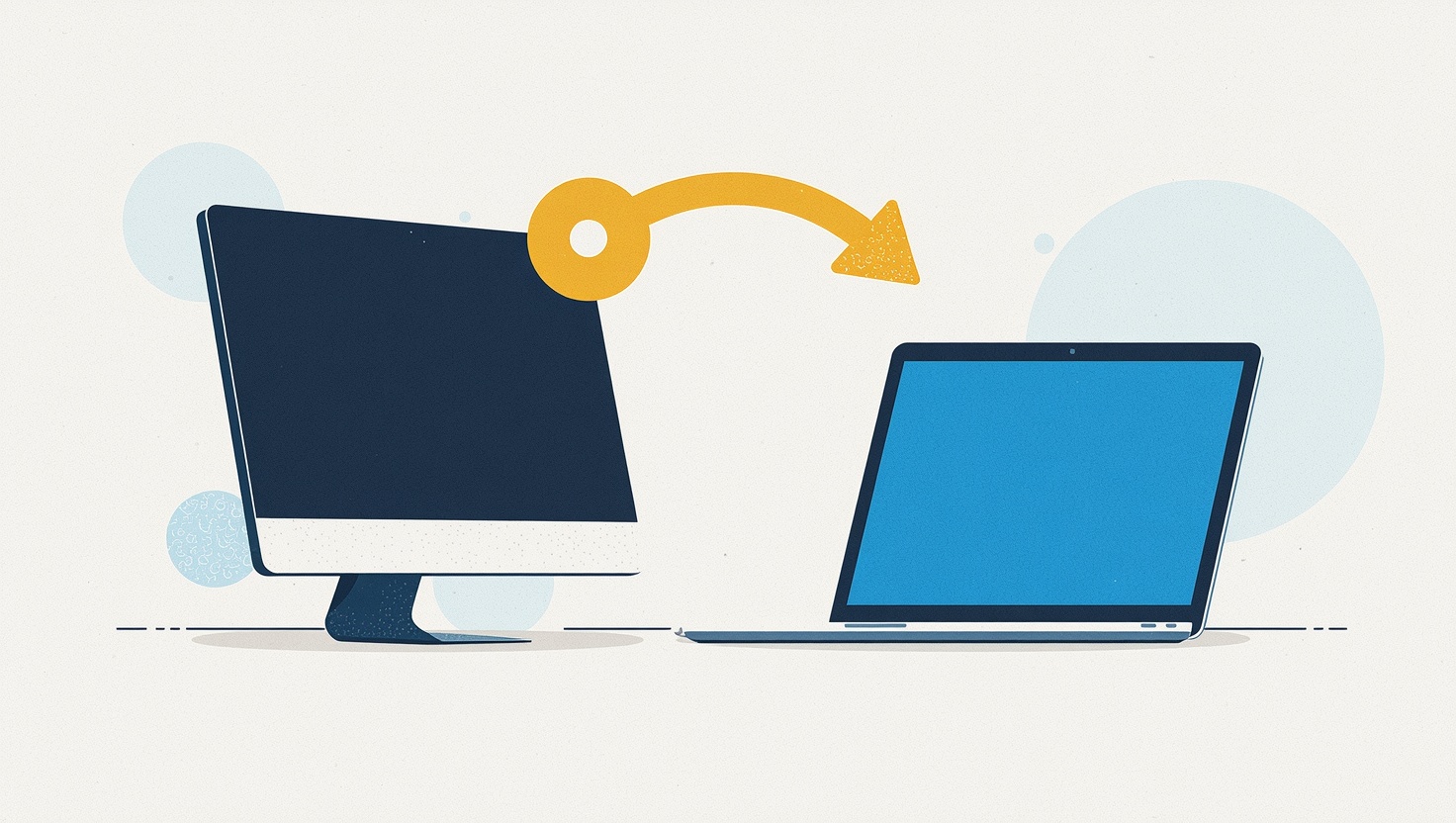
Introducing HopToDesk, a Free and Simple Remote Desktop App
The worldwide number of devices is in the tens of billions and continuously growing, as is the need to connect them with people, whether they may be across the room or in another country. From accessing a work computer from home, providing remote ass...