
Guides
Articles from the HopToDesk Blog.

Silent Deployment: Put HopToDesk on Every Machine Without Touching One
Rolling out remote support to fifty or five hundred Windows machines should not mean fifty or five hundred visits. The Onboard a fleet wizard gives you one token and a ready-made install command for Intune, Group Policy, your RMM or a script. Every machine installs silently, links itself to your dashboard, and arrives already configured.

HopToDesk for FreeBSD: A Real Client, Not a Workaround
Most remote desktop downloads stop at Windows, macOS and Linux. HopToDesk runs on FreeBSD too, on both amd64 and ARM, from the same app and the same network as every other platform. This release completes the picture with the connection window: the accept prompt, in-session chat, a disconnect control, and file transfer that runs through it.

A Frame Rate Setting for Smoother Remote Sessions
How a remote session feels comes down to how often the picture refreshes. The desktop viewer now has a Frame rate setting in the Display menu, with a slider from 5 to 120 frames per second, saved per machine. Raise it for motion work, lower it on a thin connection.
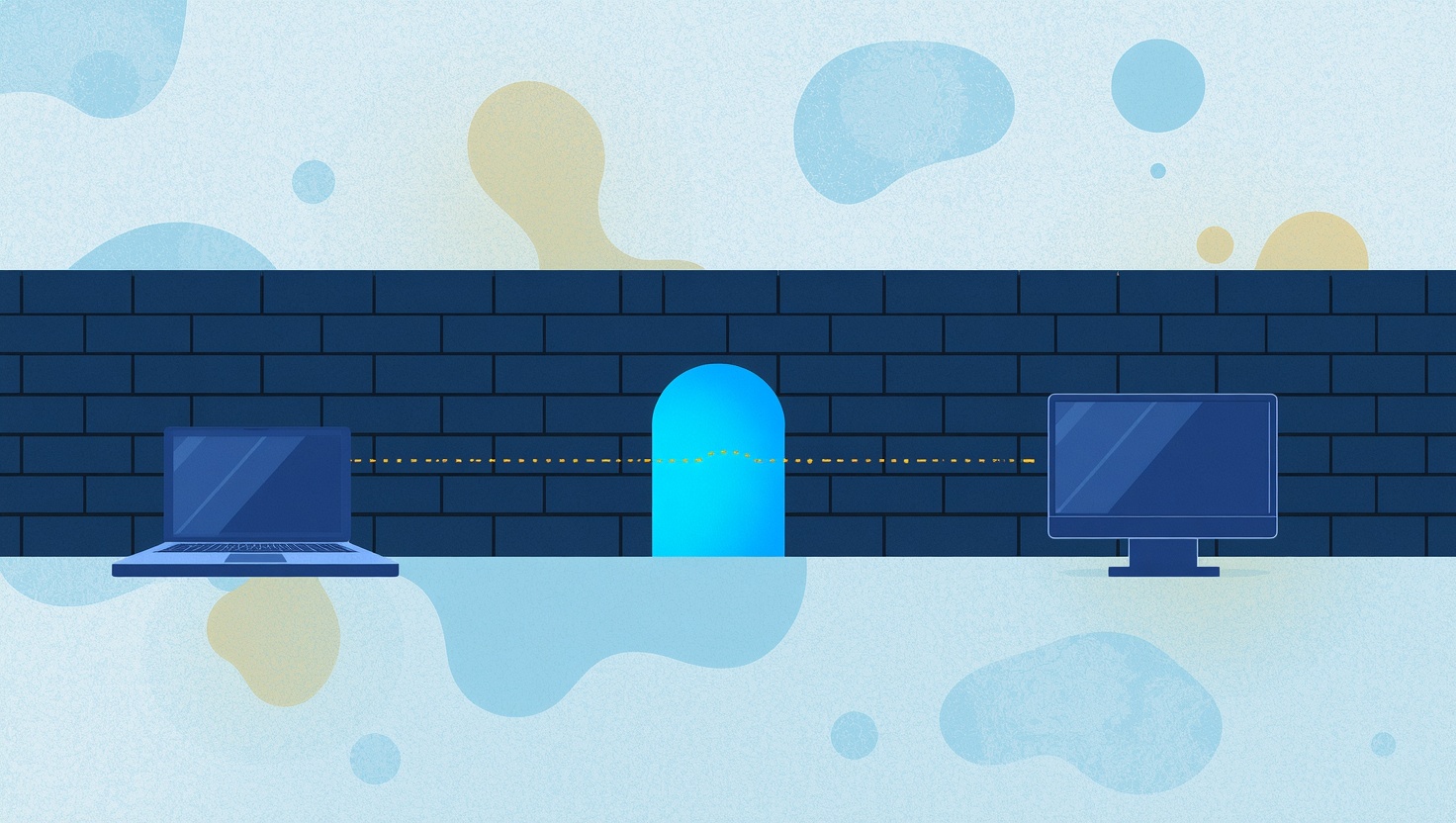
Firewall Mode: Remote Support on Networks That Block Almost Everything
Hotels, hospitals, schools, banks and many offices lock their networks down to plain web traffic, and that used to stop remote desktop cold. HopToDesk Firewall Mode gets a session through on port 443 alone, with no ports for IT to open and no change to how you connect.
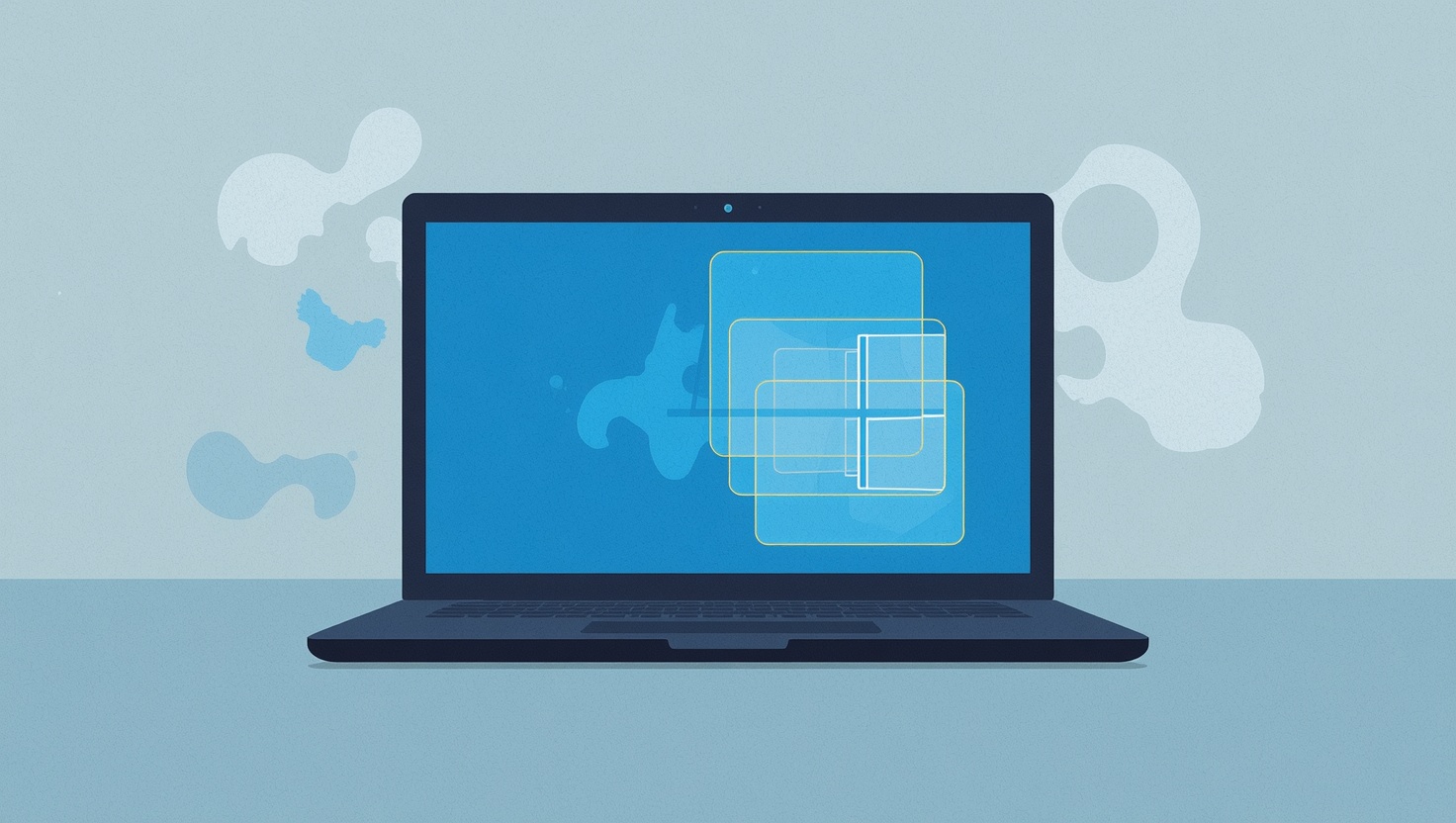
HopToDesk Now Fully Supports Wayland on Linux
Modern Linux desktops run Wayland, and for years the remote desktop answer was the same everywhere: switch back to X11. Not anymore. HopToDesk now fully supports Wayland on Linux, with sharp multi-monitor capture, correct typing in any keyboard layout, and an optional unattended mode that works with no consent popup, even at the login screen.

Switching from TeamViewer or AnyDesk in an Afternoon
The hardest part of leaving a remote desktop product is not the software, it is the list. Hundreds of machines, organized over years, that somebody has to move by hand. The HopToDesk migration import takes the device list you already have, rebuilds your groups, hands you enrollment links, and checks off every machine as it comes across.

No Monitor, No Problem: Remote Access to Headless Windows Machines
Connect to a Windows machine that has no monitor attached and you used to get a black nothing, because Windows shuts down its desktop when no display is present. HopToDesk now ships its own virtual display driver, so headless PCs, servers, and kiosks light up the moment you connect, with no dummy plug and no third-party software.

Session Recording That Stays on Your Machines
HopToDesk can now record remote sessions automatically and catalog every recording in your dashboard, with one rule at the center of the design: the video never leaves your machine. You get search, filters, retention, and fleet-wide enforcement, and we never hold a single frame of your sessions.

Controlling an Android tablet or phone unattended with HopToDesk
Three things trip people up when they remote into an Android device: the Play Store app is view-only, Android sleeps or locks the screen out from under you, and the screen-capture prompt comes back after every reboot. Here is the full setup that fixes all three, so you can connect to a tablet or phone any time without anyone touching it.

Remote Terminal: A Command Line to Any Machine
Sometimes the fastest fix does not need a desktop at all. HopToDesk Remote Terminal opens a live command line on the remote machine, PowerShell on Windows or your shell on Mac and Linux, in a lightweight window that uses a sliver of the bandwidth of a screen session. Type on your keyboard, run on their machine.

Automate Your IT Work: Fan-Out, Runbooks and the AI Assistant
Most IT work is the same few checks and fixes, over and over. The HopToDesk Dashboard lets you run them on many machines at once, put them on a schedule, decide which ones need a person's approval, and ask the AI Assistant to investigate the problems that do not fit a script.

Your Own HopToDesk Private Network with Cloudflare Workers
Leverage the simplicity, reliability, and global availability of Cloudflare Workers to run your own HopToDesk network. HopToDesk now offers an exciting new way for users to create and manage a self-hosted HopToDesk environment using Cloudflare Worker...