Leverage the simplicity, reliability, and global availability of Cloudflare Workers to run your own HopToDesk network.
HopToDesk now offers an exciting new way for users to create and manage a self-hosted HopToDesk environment using Cloudflare Workers. This simple approach provides enhanced control, security, scalability, and flexibility for businesses and organizations looking to run a private HopToDesk network or offer a customized version of HopToDesk to their clients.
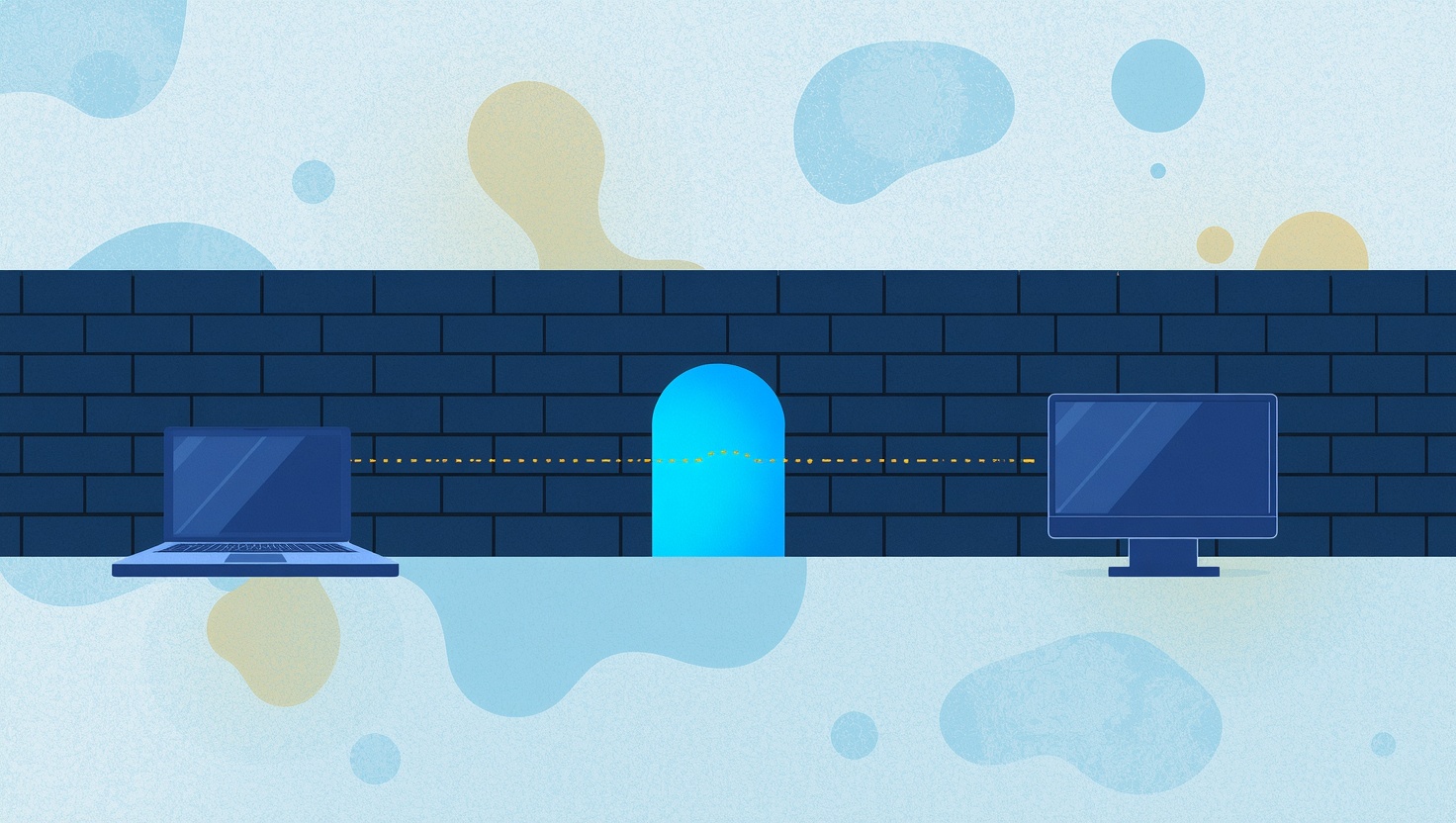
Self-hosting your HopToDesk network with Cloudflare Workers ensures a high level of security and global availability. Your devices will remain accessible within your private network, outside and inaccessible from the regular HopToDesk network. All peer signaling data is routed through your own Cloudflare Worker, allowing you to completely bypass HopToDesk's infrastructure.
Setting up HopToDesk with Cloudflare Workers is a straightforward process:
Log in to your Cloudflare account and navigate to the domain zone where you want to deploy your HopToDesk network.
Create a new Cloudflare Worker and name it "index.js."
In the "index.js" file, paste the provided code snippet, then Save your changes, and Deploy the worker.
You can now use the Cloudflare Worker URL as the "rendezvous" JSON value in your api.json file or within your Custom Network settings.
Take note that this Worker uses Durable Objects; see the Cloudflare Workers pricing page for what your Cloudflare plan includes.
This novel and user-friendly approach using Cloudflare Workers makes HopToDesk self-hosting a standout choice among other remote desktop providers.