
IT teams
Articles from the HopToDesk Blog.

Silent Deployment: Put HopToDesk on Every Machine Without Touching One
Rolling out remote support to fifty or five hundred Windows machines should not mean fifty or five hundred visits. The Onboard a fleet wizard gives you one token and a ready-made install command for Intune, Group Policy, your RMM or a script. Every machine installs silently, links itself to your dashboard, and arrives already configured.
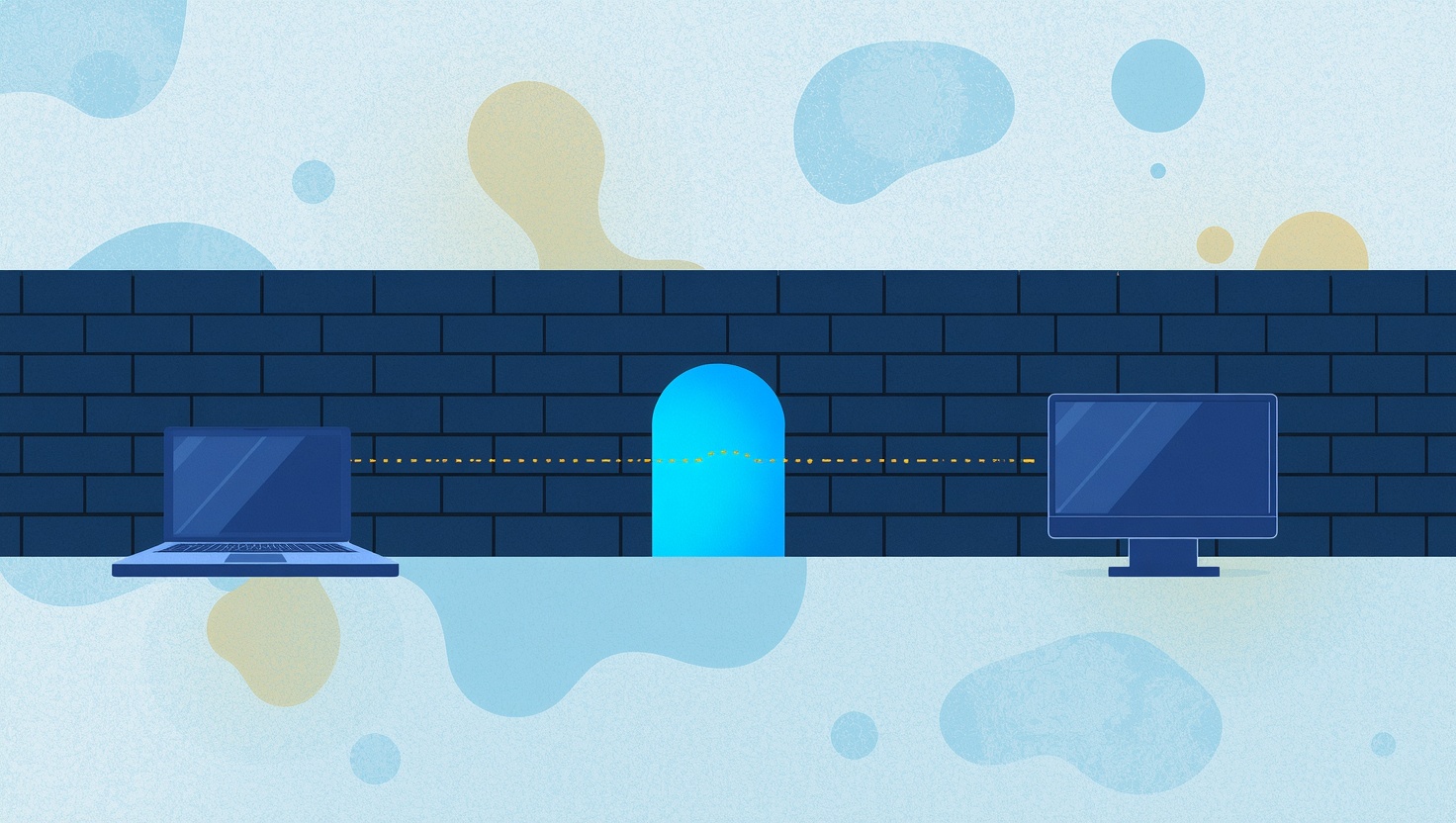
Firewall Mode: Remote Support on Networks That Block Almost Everything
Hotels, hospitals, schools, banks and many offices lock their networks down to plain web traffic, and that used to stop remote desktop cold. HopToDesk Firewall Mode gets a session through on port 443 alone, with no ports for IT to open and no change to how you connect.

Switching from TeamViewer or AnyDesk in an Afternoon
The hardest part of leaving a remote desktop product is not the software, it is the list. Hundreds of machines, organized over years, that somebody has to move by hand. The HopToDesk migration import takes the device list you already have, rebuilds your groups, hands you enrollment links, and checks off every machine as it comes across.

Automate Your IT Work: Fan-Out, Runbooks and the AI Assistant
Most IT work is the same few checks and fixes, over and over. The HopToDesk Dashboard lets you run them on many machines at once, put them on a schedule, decide which ones need a person's approval, and ask the AI Assistant to investigate the problems that do not fit a script.

Introducing the HopToDesk Dashboard: All Your Devices in One Place
When you're managing a handful of remote devices, keeping track of things in your head works fine. But once you're supporting a team, a business, a family, or a growing list of clients, you need a cen

The HopToDesk Dashboard: A Simple Solution for Remote Device Management
The HopToDesk dashboard has arrived and is now accessible for all users, for free. It streamlines the process of overseeing your remote devices, facilitating the creation of invite links to seamlessly integrate new devices into your team, and allowin...

Maximizing Productivity with Remote Desktop Software
Remote desktop saves the most time in small, everyday ways: reaching your own computers without carrying them, moving files without email, and doing heavy work on a powerful machine from a light one. These are the uses that pay off most, and the settings that make them work well.
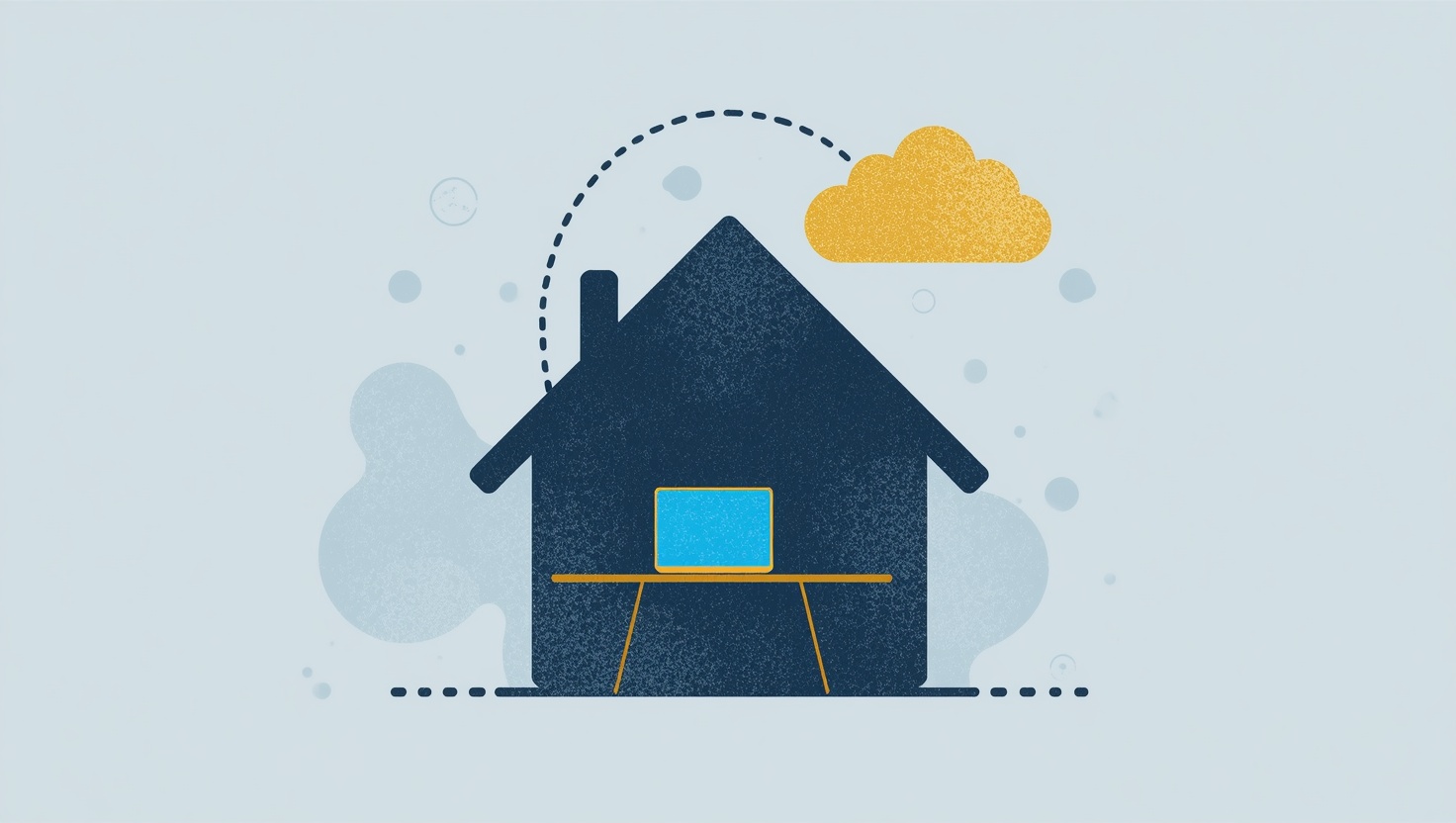
IT Solutions for Working from Home
Home workers sit behind home routers, far from the IT desk, on laptops nobody can walk over to. What makes supporting them fast: the software on the machine before it is needed, connections that work through any home network, and controls that keep the person at the keyboard in charge.