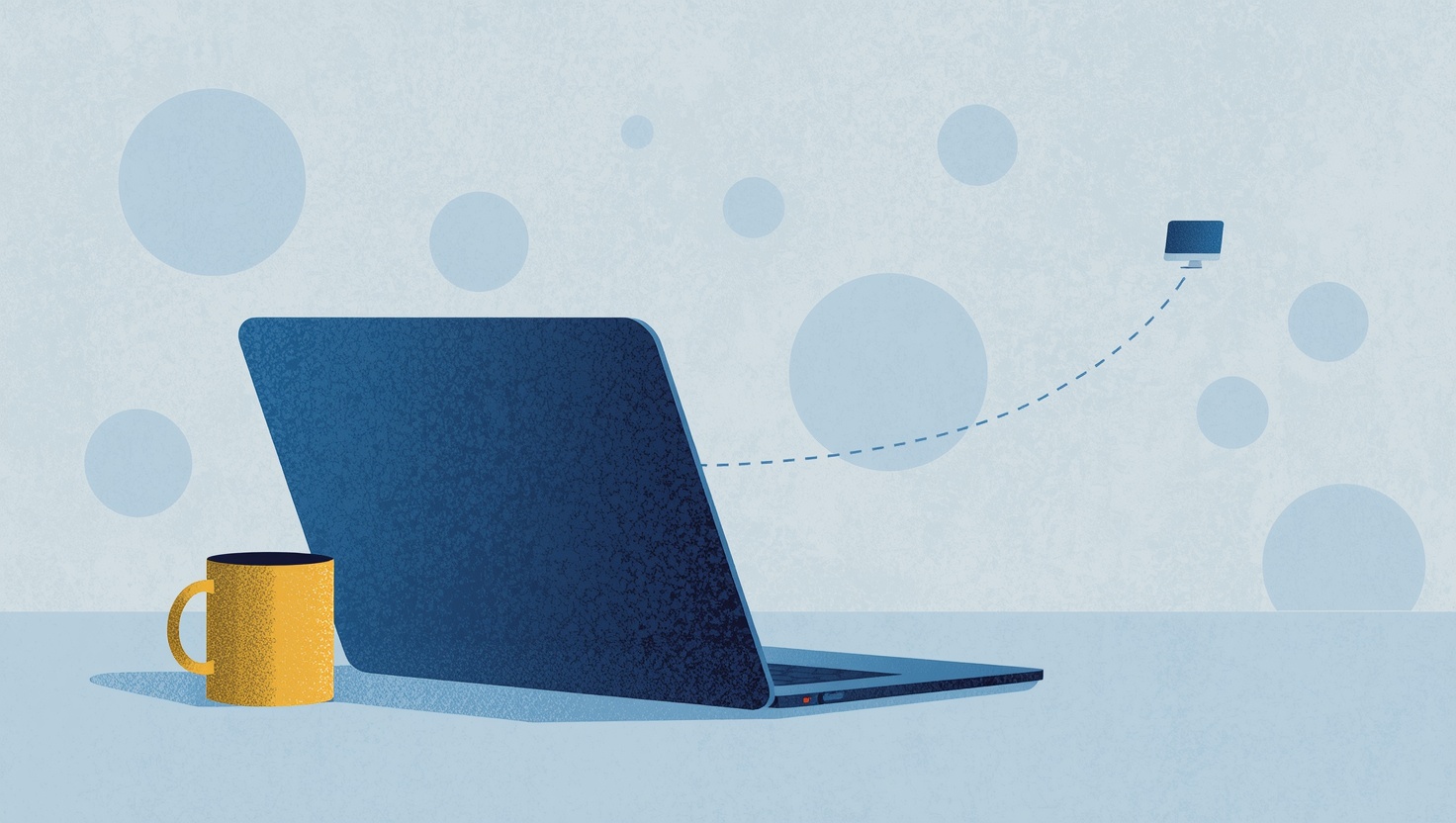
Freelancers use remote desktop in two quite different ways. Sometimes you work on a client's computer: installing software, fixing a problem, setting up a system. Sometimes the client needs to see your computer: a design in progress, a demo, a build that only runs on your machine. Each direction has its own habits worth getting right.
Working on a client's computer
The cleanest way in is the one that leaves nothing behind. The client downloads HopToDesk, opens it, and reads you the ID and the one-time password it shows. You connect, do the work, and disconnect. The one-time password changes, so it cannot be reused, and you keep no standing access to a computer you were hired to touch once.
While you work, the client sees a connection window that shows you are connected. They can chat with you from it and end the session whenever they want. On a first job with a new client that visibility is worth a lot: they watch what you do instead of wondering about it.
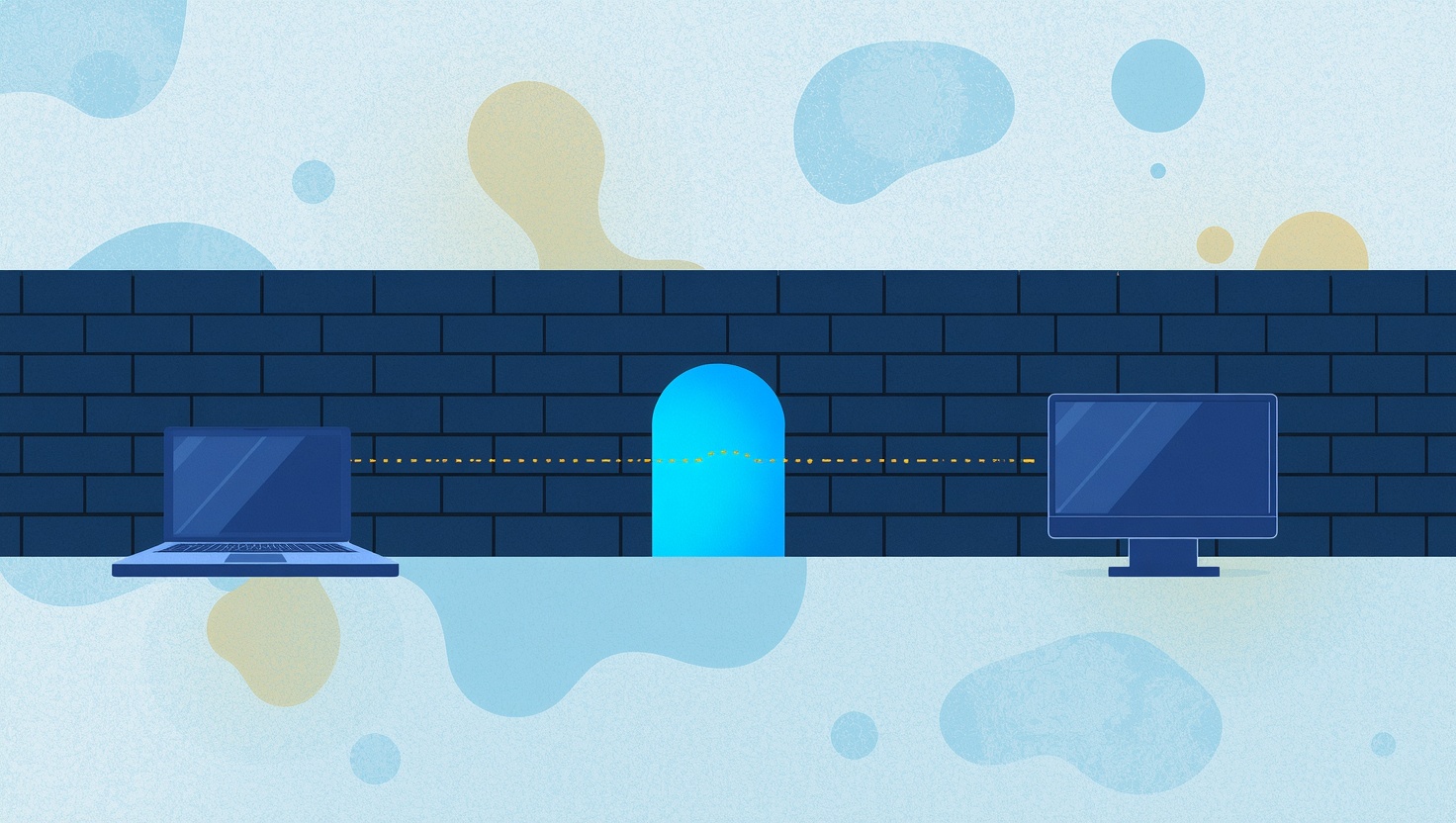
To confirm you reached the right computer, compare security codes. The client finds theirs in the connection window, and you find yours behind the Security Code button in the session toolbar. The two match only when the session is end-to-end encrypted between your computers, with nobody in the middle.
When a client needs regular help
Some clients want you on call. For a computer you look after every month, set a permanent password on it, or link it to your HopToDesk Dashboard so it appears in your device list. Agree with the client which computers you may reach and when, and remove the access when the engagement ends.
Keep a record of what you did
Clients sometimes ask, weeks later, what exactly was changed. HopToDesk can record your outgoing sessions automatically, on your own computer: switch it on in Settings and every session you start is saved locally, where you control it. Tell the client you record, since the recording shows their screen. A recording settles questions that memory cannot.
Showing your work to a client
For a review or a demo, the client connects to your computer. The connection window on your side lets you decide what the session may do, for example switching off clipboard and file transfer for a review, and you can end it at any time. If the client only needs to watch, they can turn on View only in their Display menu.
Moving deliverables
File transfer sends files in either direction during a session, so a finished file, a log or a large asset does not have to go through email or a file sharing service.
Tools that fit a one-person business
A freelancer's setup should not need an IT department. HopToDesk runs on Windows, macOS, Linux, Android and iOS, and using the app for business work does not require a commercial licence, so connecting to a client is never a licensing question.
Work with clients runs on trust. One-time passwords, a connection window the client can see, a record of what was done, and access that ends when the job ends: those habits are what let a client hand the keys to their computer to someone they met last week, and feel fine about it.